

Author: admin
-
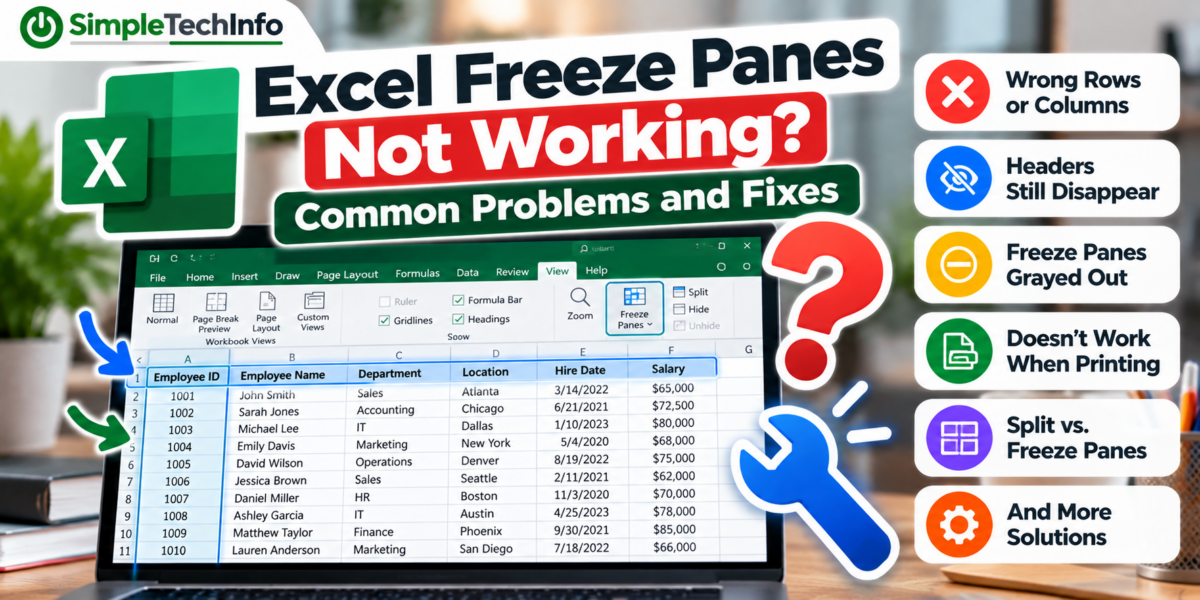
Excel Freeze Panes Not Working? Common Problems and Fixes
Read more: Excel Freeze Panes Not Working? Common Problems and FixesHere are some of the most common Excel Freeze Panes problems and how to fix them.
-
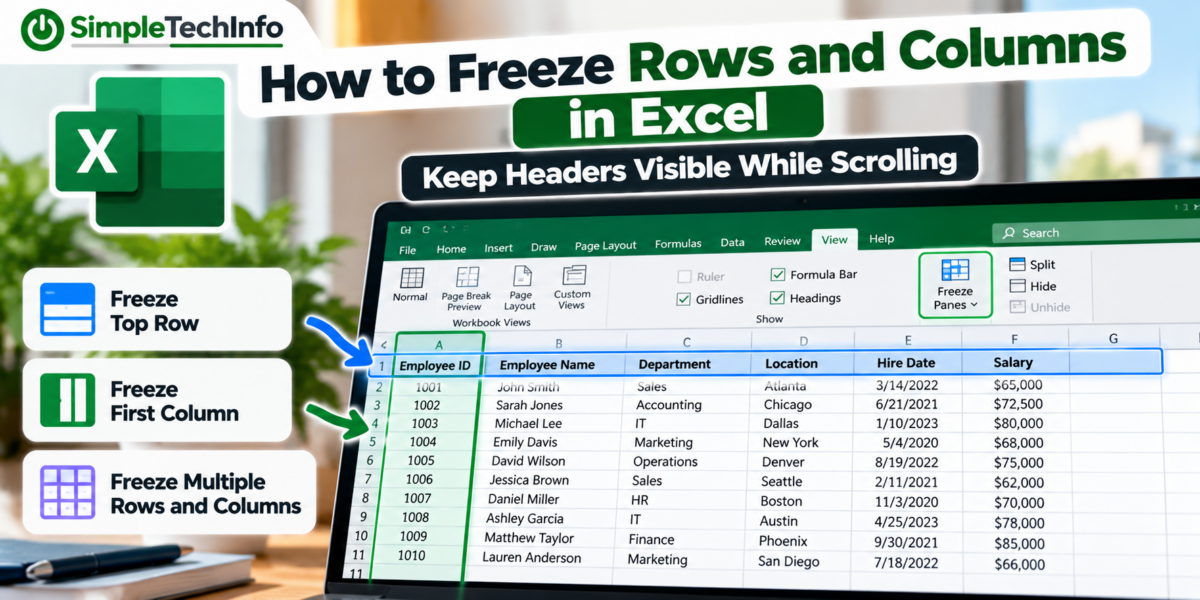
How to Freeze Rows and Columns in Excel: Keep Headers Visible While Scrolling
Read more: How to Freeze Rows and Columns in Excel: Keep Headers Visible While ScrollingYou can freeze the top row, the first column, or even multiple rows and columns while the rest of your spreadsheet scrolls.
-
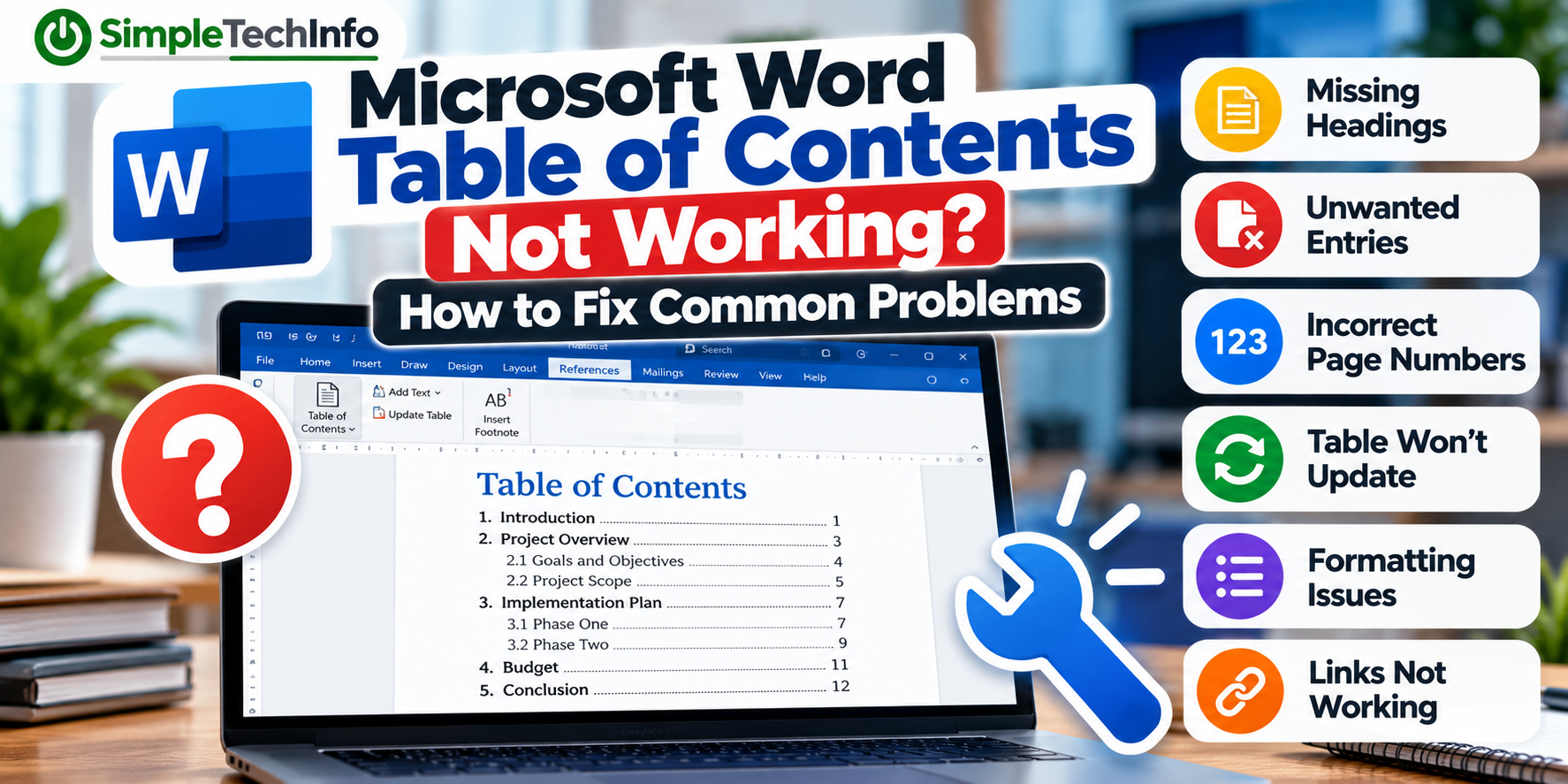
Microsoft Word Table of Contents Not Working? How to Fix Common Problems
Read more: Microsoft Word Table of Contents Not Working? How to Fix Common ProblemsThis guide covers some of the most common Microsoft Word table of contents problems and how to fix them.
-
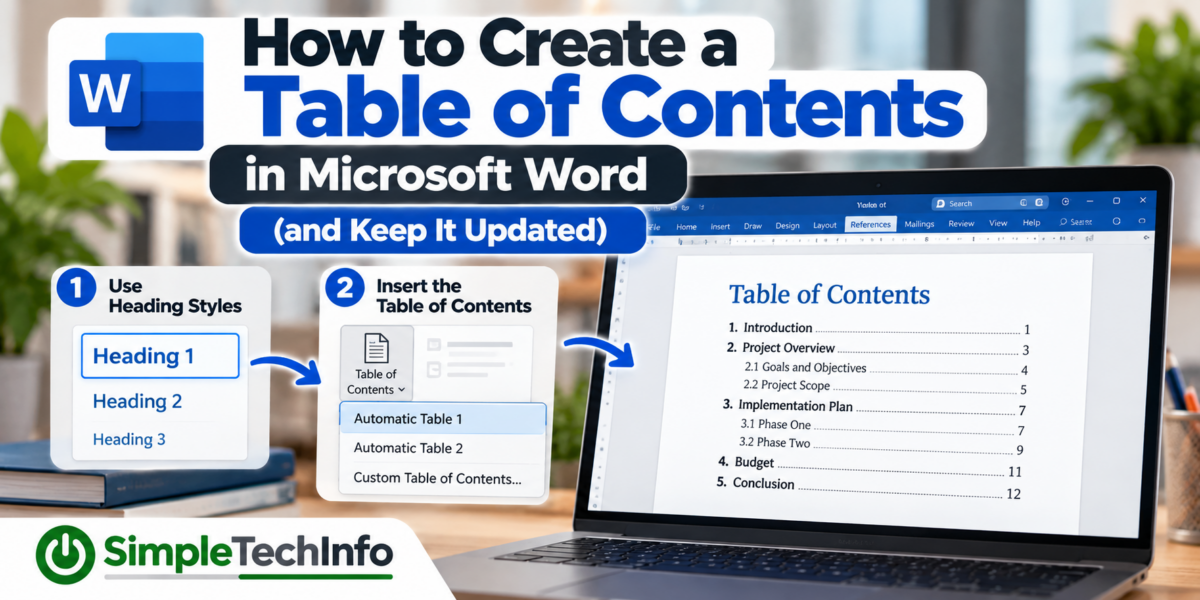
How to Create a Table of Contents in Microsoft Word (and Keep It Updated)
Read more: How to Create a Table of Contents in Microsoft Word (and Keep It Updated)Microsoft Word can automatically create a table of contents based on the headings in your document. Even better, Word can update the table when you add new sections or when page numbers change.
-
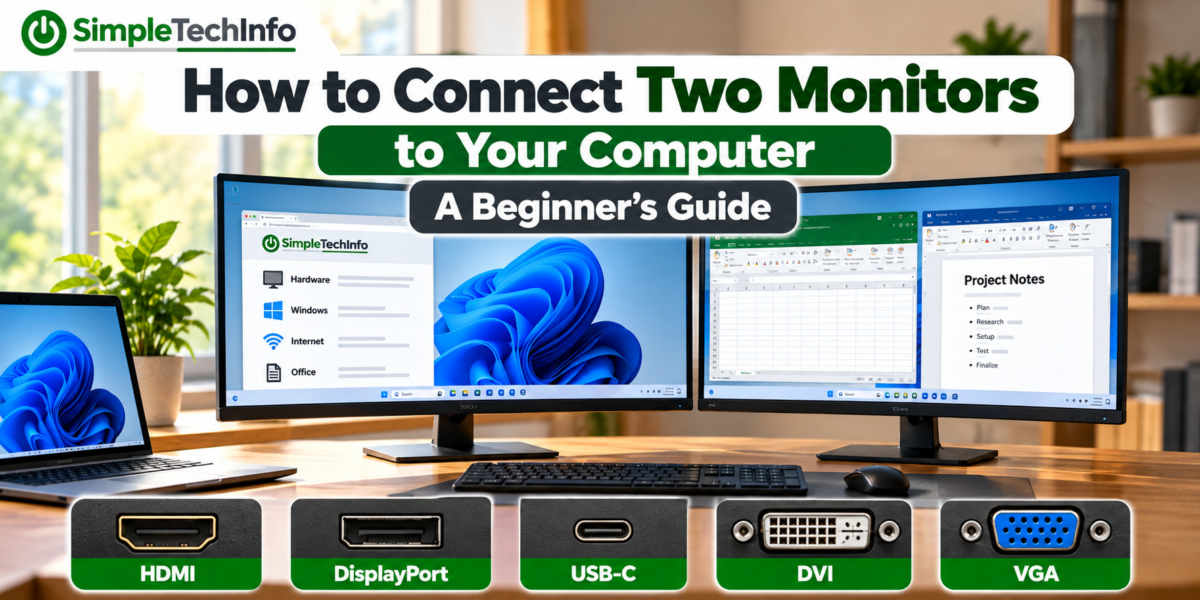
How to Connect Two Monitors to Your Computer: A Beginner’s Guide
Read more: How to Connect Two Monitors to Your Computer: A Beginner’s GuideLearn how to connect two monitors to a Windows 11 PC or laptop, choose the right cables, extend your desktop, and fix common dual-monitor problems.
-
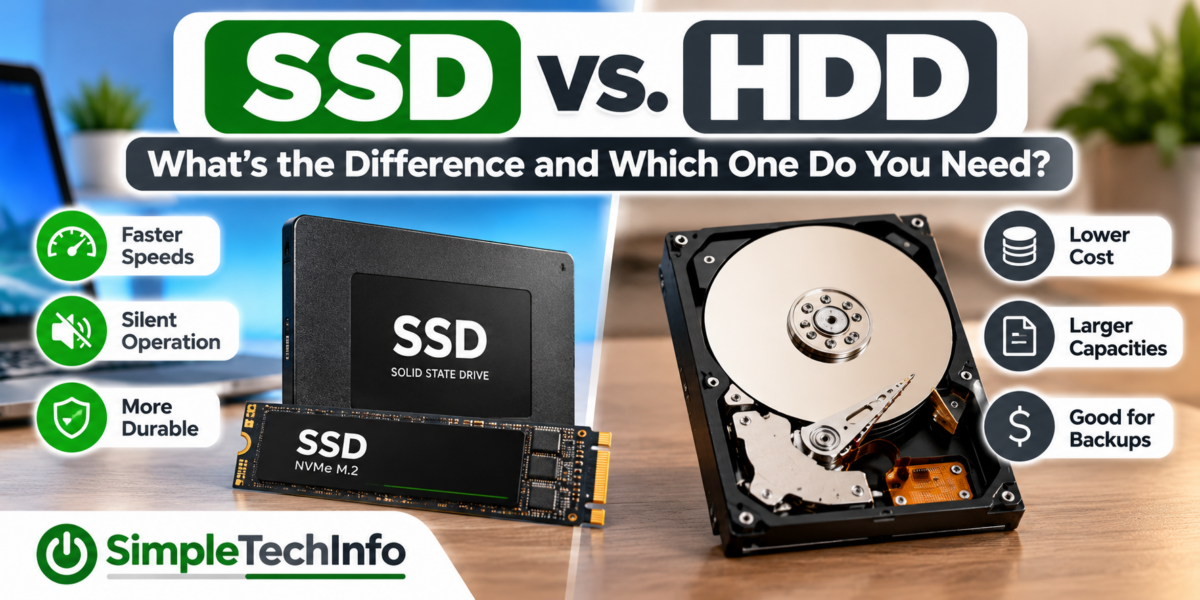
SSD vs. HDD: What’s the Difference and Which One Do You Need?
Read more: SSD vs. HDD: What’s the Difference and Which One Do You Need?Learn the difference between SSD and HDD storage, including speed, cost, capacity, reliability, and which type of drive is best for your computer.
-
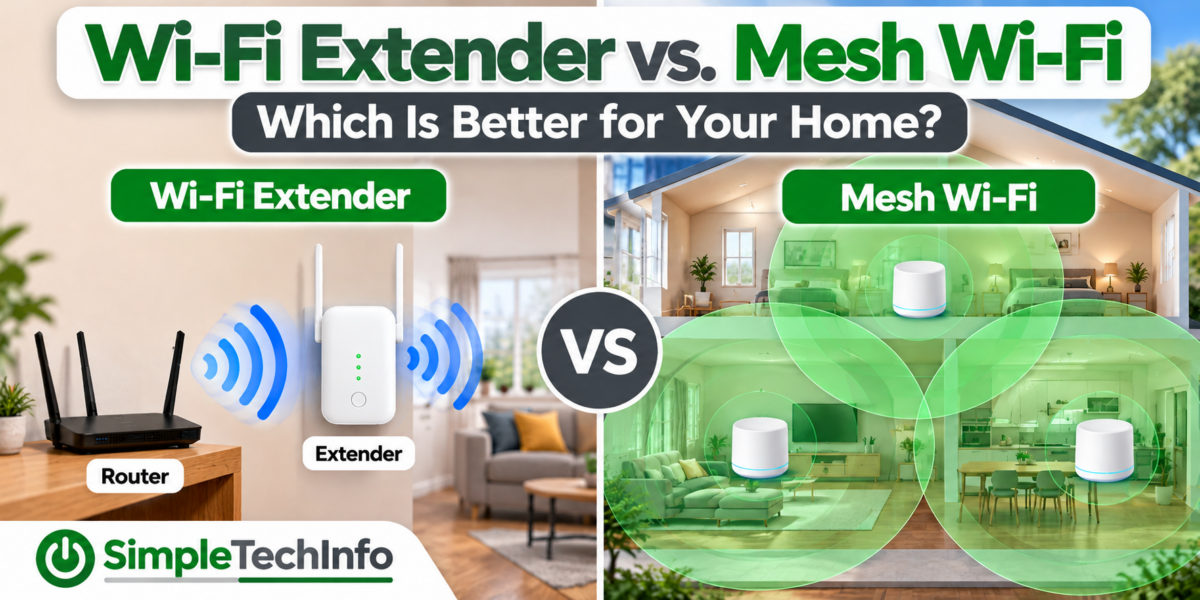
Wi-Fi Extender vs. Mesh Wi-Fi: Which Is Better for Your Home?
Read more: Wi-Fi Extender vs. Mesh Wi-Fi: Which Is Better for Your Home?Learn the difference between a Wi-Fi extender and mesh Wi-Fi, including cost, coverage, performance, and which option is better for your home.
-
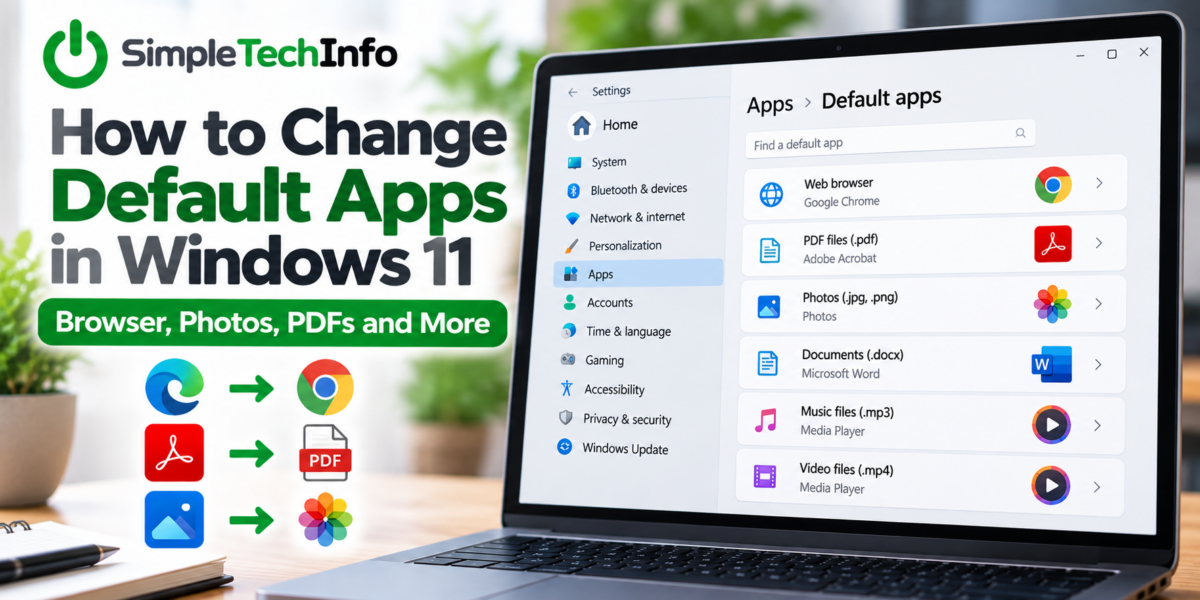
How to Change Default Apps in Windows 11: Browser, Photos, PDFs and More
Read more: How to Change Default Apps in Windows 11: Browser, Photos, PDFs and MoreWindows 11 lets you choose which apps automatically open different types of files and links. These are called default apps and this is how to change them.
-
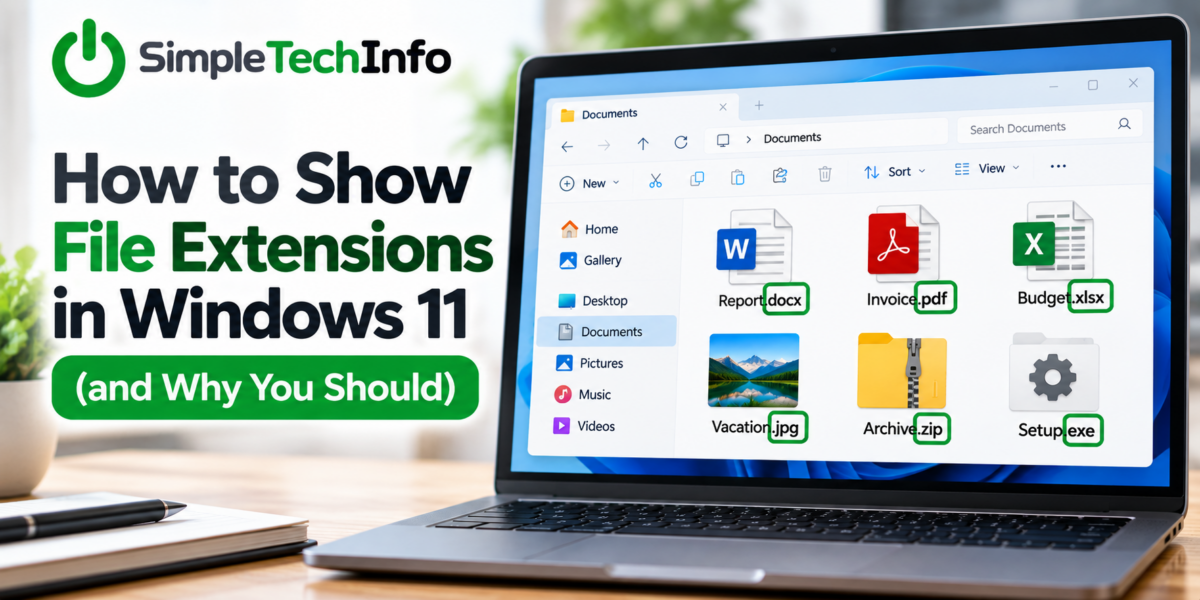
How to Show File Extensions in Windows 11 (and Why You Should)
Read more: How to Show File Extensions in Windows 11 (and Why You Should)Learn how to show file extensions in Windows 11, what common file extensions mean, and why displaying them can make managing files easier and safer.
-
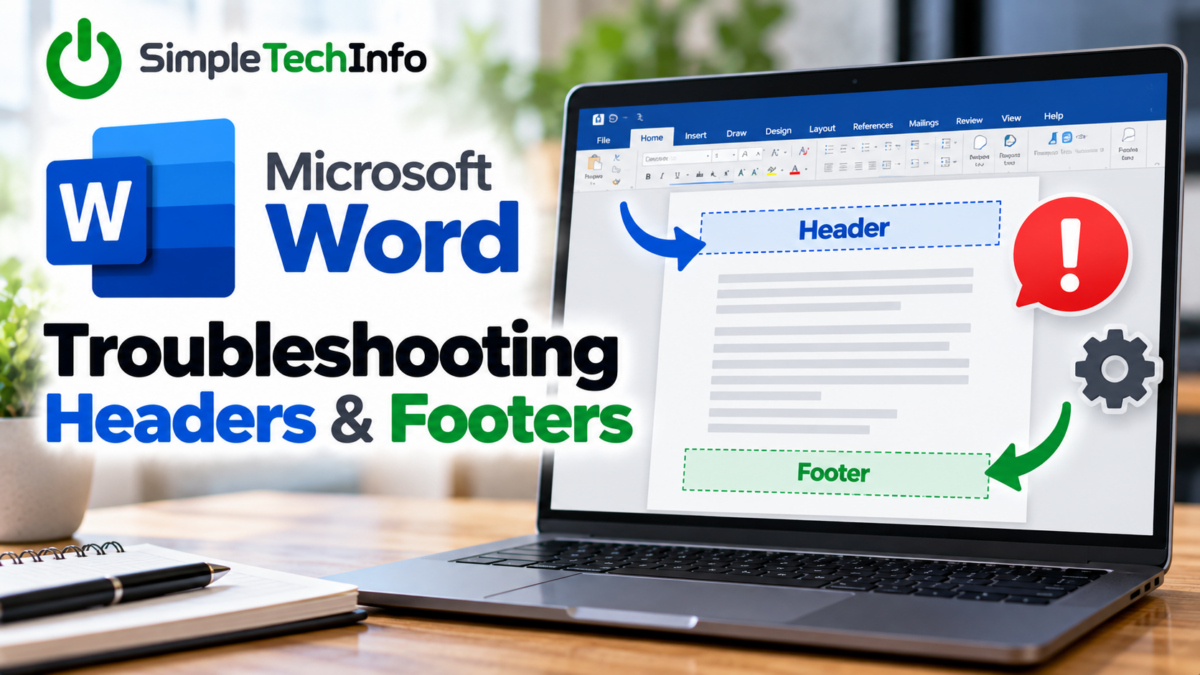
How to Fix Common Header and Footer Problems
Read more: How to Fix Common Header and Footer ProblemsUsing headers and footers in your Word document will make it stand out and look professional. Sometimes you’ll run into problems with formatting so here are a few tips to help you correct any issues you may have.