

Author: admin
-
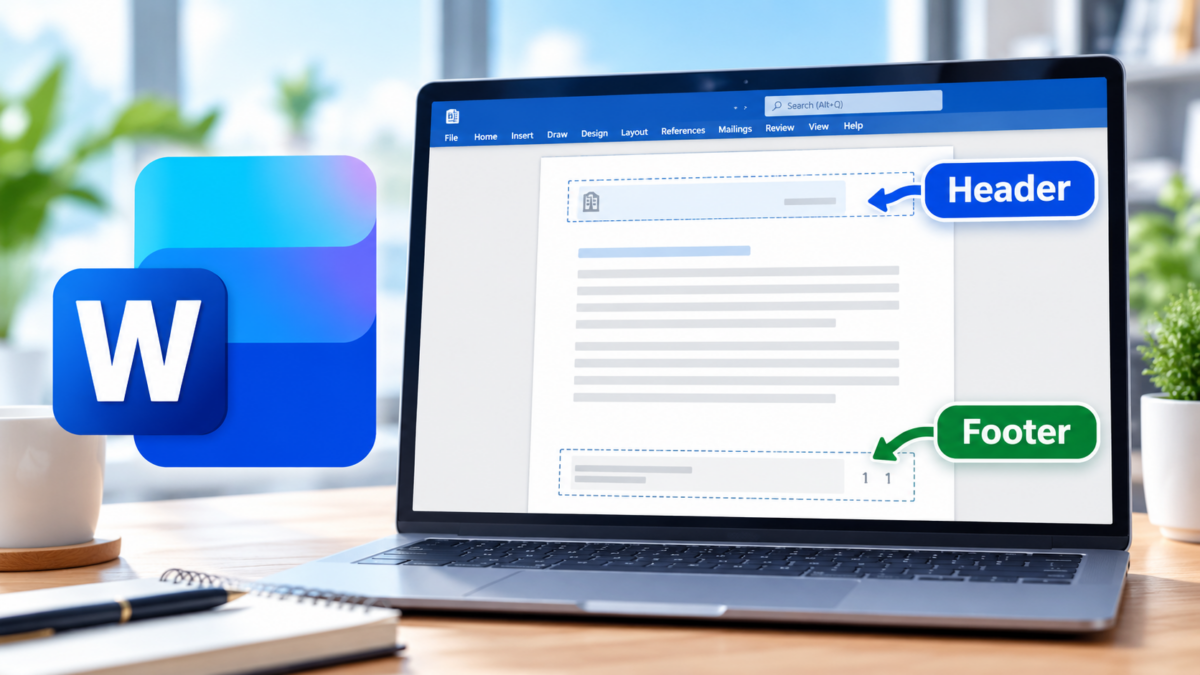
How to Add and Format Headers and Footers in Microsoft Word
Read more: How to Add and Format Headers and Footers in Microsoft WordHeaders and footers are an easy way to make a Microsoft Word document look more polished and professional. They can be used to display information that should appear on every page, such as: For business documents such as reports, proposals, procedures, meeting packets, and policy manuals, headers and footers also make longer documents easier to…
-
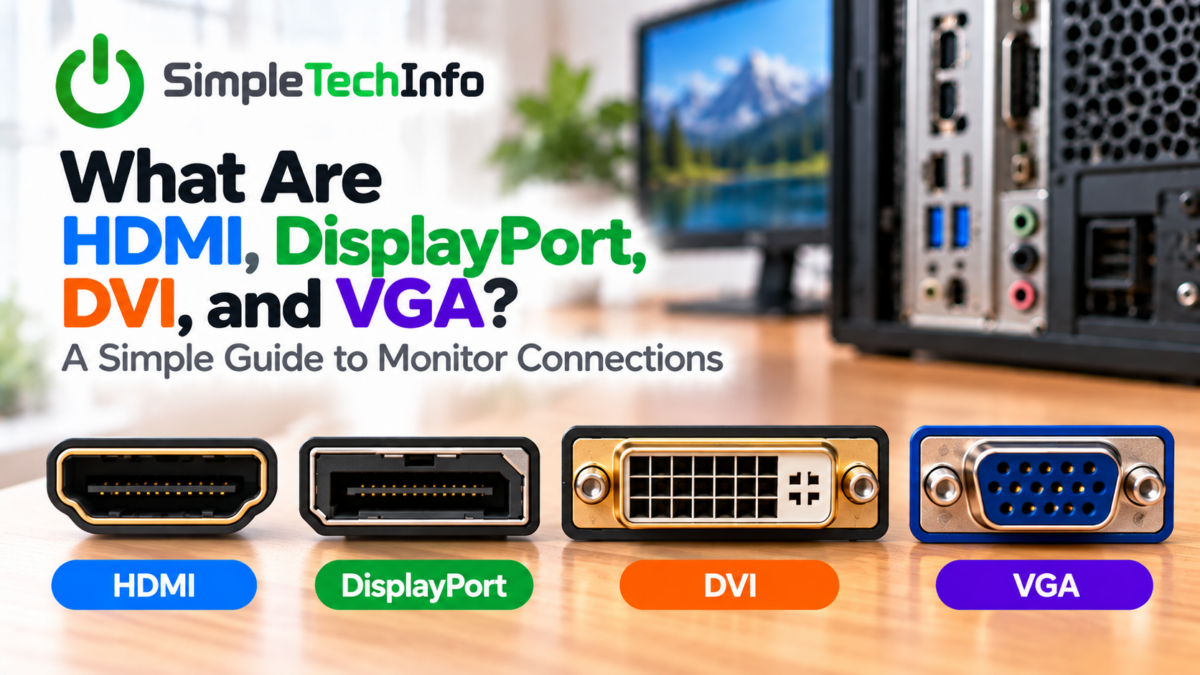
What Are HDMI, DisplayPort, DVI, and VGA? A Simple Guide to Monitor Connections
Read more: What Are HDMI, DisplayPort, DVI, and VGA? A Simple Guide to Monitor ConnectionsIf you’ve ever looked at the back of a computer or monitor and wondered what all the different ports are for, you’re not alone. HDMI, DisplayPort, DVI, and VGA are different types of video connections used to send an image from your computer to a monitor, television, or other display. Some can also carry audio,…
-
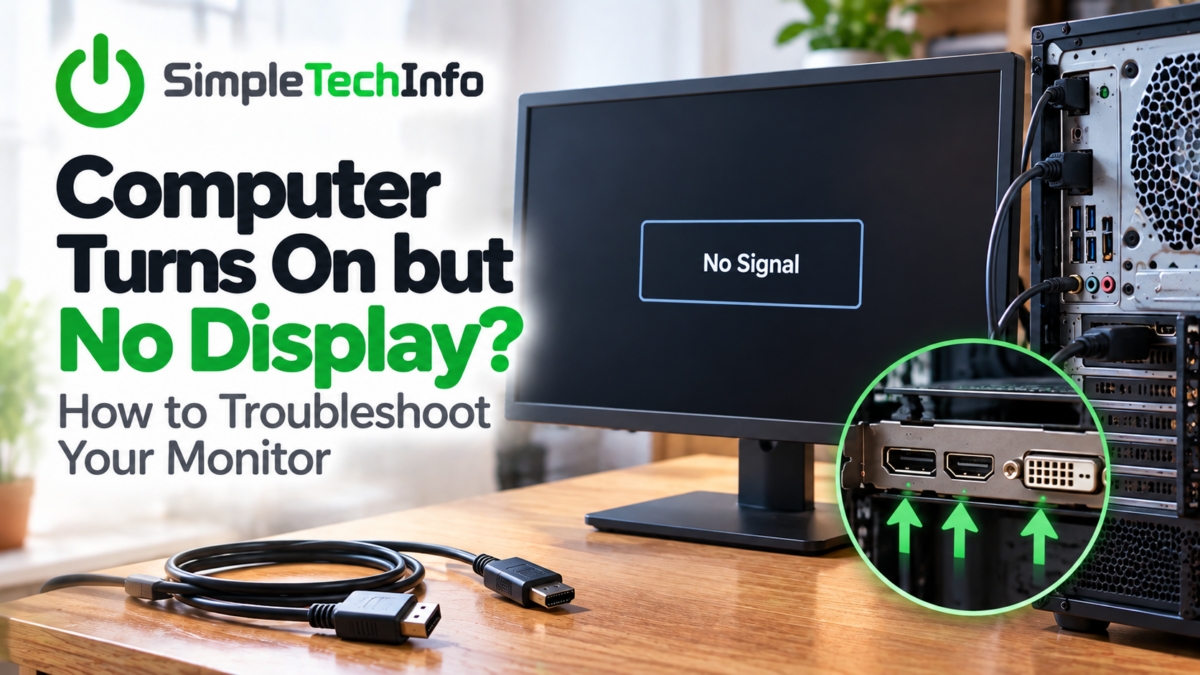
Computer Turns On but No Display? How to Troubleshoot Your Monitor
Read more: Computer Turns On but No Display? How to Troubleshoot Your MonitorWhat to look for when your screen is not working
-
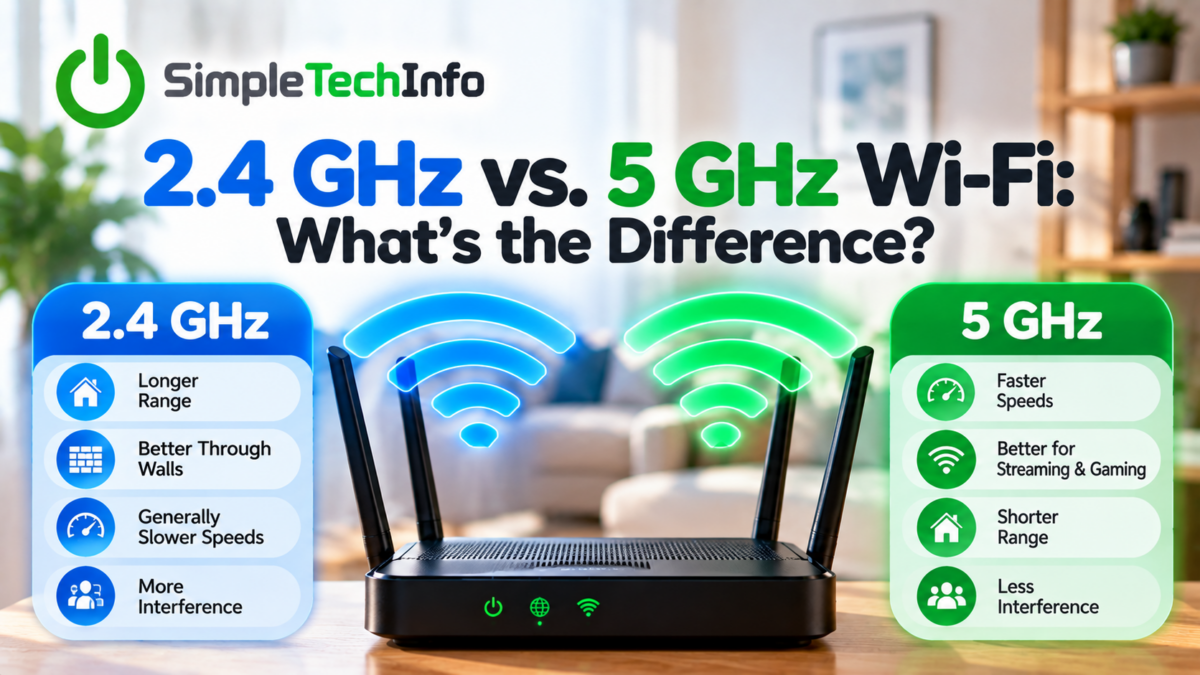
2.4 GHz vs. 5 GHz Wi-Fi: What’s the Difference?
Read more: 2.4 GHz vs. 5 GHz Wi-Fi: What’s the Difference?Learn which Wi-Fi band will work best for you, 2.4 GHz or 5 GHz
-
Where Should I Put My Wi-Fi Router? A Better Location for Better Wi-Fi
Read more: Where Should I Put My Wi-Fi Router? A Better Location for Better Wi-FiLearn how to find the best location for your router
-
Wi-Fi Keeps Disconnecting? Basic Troubleshooting Steps to Try at Home
Read more: Wi-Fi Keeps Disconnecting? Basic Troubleshooting Steps to Try at HomeFew things are more frustrating than Wi-Fi that keeps dropping out. A video starts buffering, a website suddenly stops loading, or your computer disconnects in the middle of something important. Fortunately, intermittent Wi-Fi doesn’t always mean you need a new router or a call to your internet provider. There are several simple troubleshooting steps you…
-
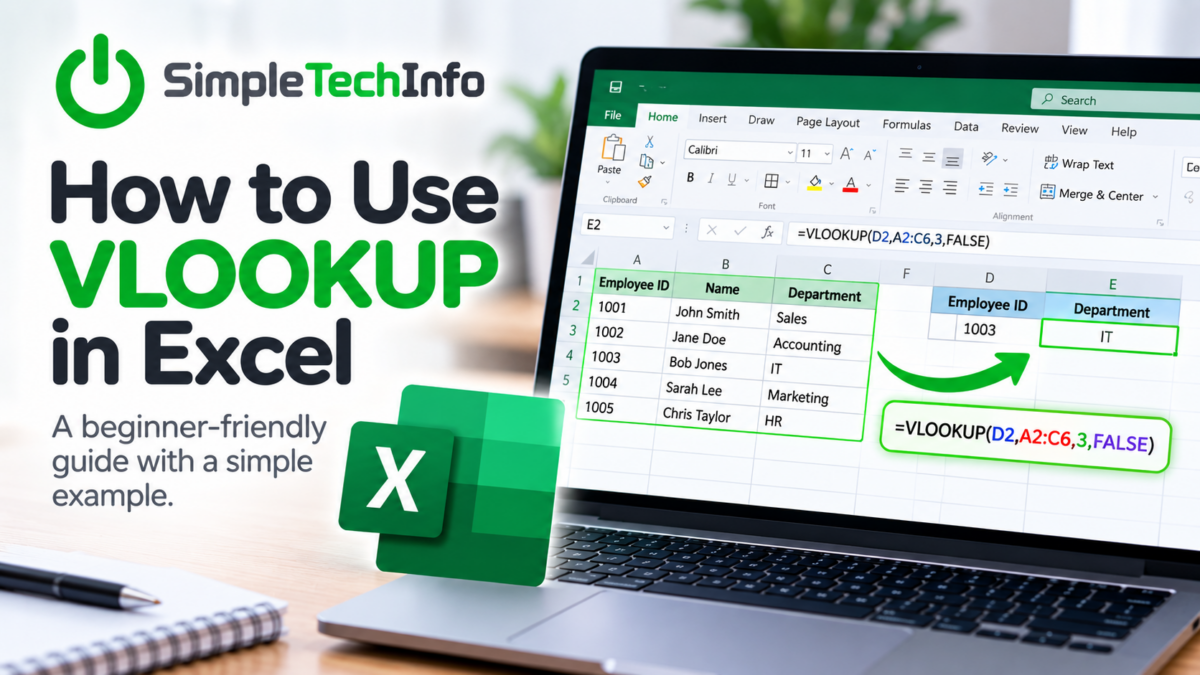
How to Use VLOOKUP in Excel: A Beginner-Friendly Guide
Read more: How to Use VLOOKUP in Excel: A Beginner-Friendly GuideIf you need to find information in one Excel table and bring it into another, VLOOKUP can save you a lot of time. VLOOKUP is commonly used to match information between lists. For example, you might have a list of employee IDs and want Excel to automatically find each employee’s department from another table. It…
-
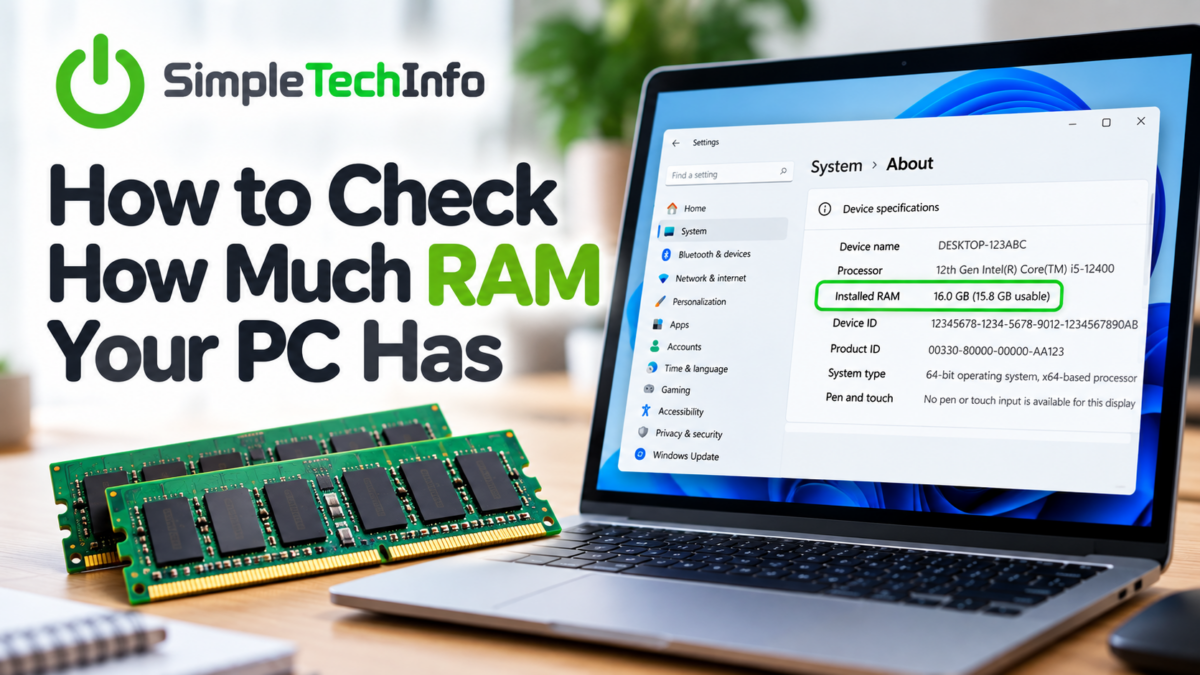
How to Check How Much RAM Your PC Has
Read more: How to Check How Much RAM Your PC HasWondering how much RAM your Windows PC has? Whether you’re trying to figure out why your computer is running slowly or checking whether your PC can handle a new program, finding your RAM is quick and easy. Windows gives you several ways to check. Here are the easiest methods. What Is RAM? RAM, or Random…
-
How to Make Windows 11 Start Faster
Read more: How to Make Windows 11 Start FasterIf your Windows 11 computer takes forever to start, you’re not alone. The good news is that you can often make Windows start faster without buying new hardware or making complicated changes. Try these simple fixes, starting with the easiest ones. 1. Disable Unnecessary Startup Apps Many programs automatically start when you turn on your…