

If you’ve looked at your Wi-Fi settings and noticed two networks with names like HomeWiFi and HomeWiFi-5G, you may have wondered what the difference is.
These networks typically use two different Wi-Fi frequency bands: 2.4 GHz and 5 GHz.
The simple explanation is:
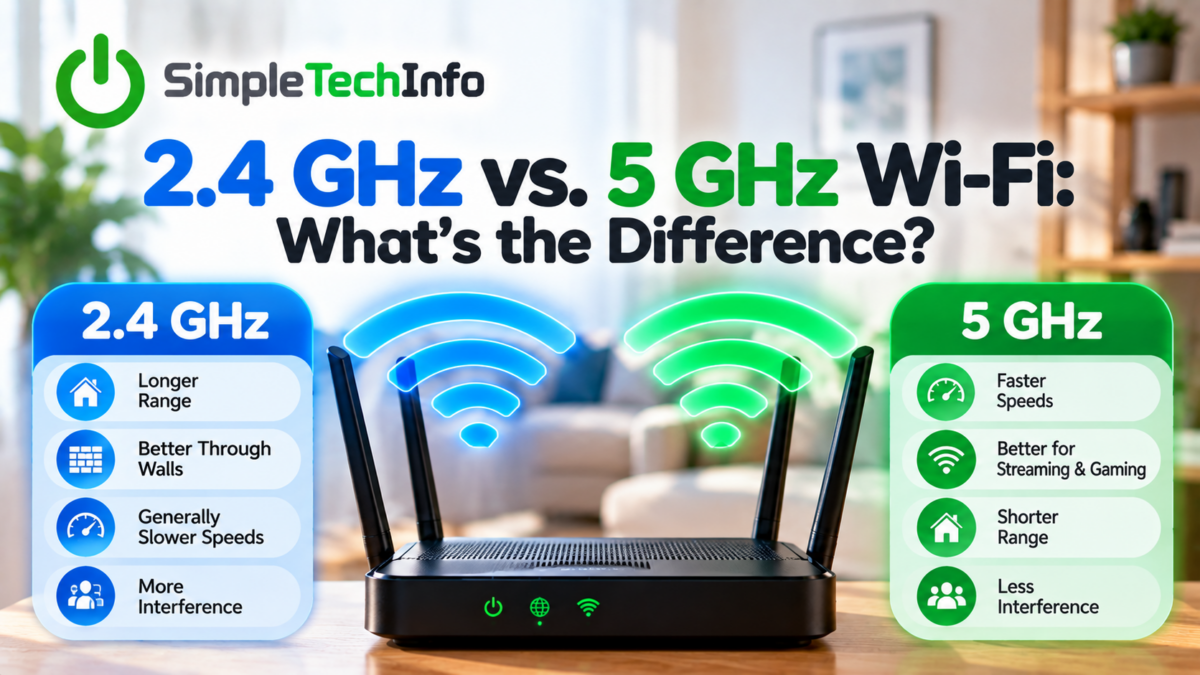
2.4 GHz generally provides better range, while 5 GHz generally provides faster speeds at shorter distances.
Neither one is always better. The right choice depends on your device, where you are in your home, and what you’re trying to do.
What Are 2.4 GHz and 5 GHz?
Your Wi-Fi router communicates with your devices using radio signals.
Many modern routers can broadcast Wi-Fi using both the 2.4 GHz and 5 GHz frequency bands. These frequencies behave differently, which gives each one its own advantages.
Think of them as two different ways for your devices to communicate with the same router.
2.4 GHz Wi-Fi: Better Range
The biggest advantage of 2.4 GHz Wi-Fi is range.
Its signal generally travels farther and does a better job of reaching through walls and other obstacles.
That can make 2.4 GHz a good choice for:
- Devices farther away from your router
- Bedrooms on the other side of the house
- Smart home devices
- Devices on another floor
- Areas where your 5 GHz signal is weak
The tradeoff is that 2.4 GHz generally offers lower speeds than 5 GHz.
The 2.4 GHz band can also experience more interference because many other devices use similar frequencies.
5 GHz Wi-Fi: Faster at Shorter Distances
The biggest advantage of 5 GHz Wi-Fi is speed and capacity.
When you’re reasonably close to your router, 5 GHz will often provide a faster connection than 2.4 GHz.
That makes it a good choice for activities such as:
- Streaming high-quality video
- Downloading large files
- Gaming
- Video calls
- Using a laptop or desktop near the router
The downside is range.
A 5 GHz signal generally doesn’t travel as far as a 2.4 GHz signal and can lose strength more quickly when passing through walls and floors.
You may therefore get excellent 5 GHz performance in your living room but a weak connection in a bedroom on the opposite side of the house.
2.4 GHz vs. 5 GHz at a Glance
| 2.4 GHz | 5 GHz | |
|---|---|---|
| Range | Longer | Shorter |
| Speed | Generally slower | Generally faster |
| Walls & obstacles | Better penetration | More affected by obstacles |
| Interference | More common | Generally less congested |
| Best for | Longer distances | Nearby high-speed devices |
A simple rule to remember is:
Farther away? Try 2.4 GHz.
Close to the router and want more speed? Try 5 GHz.
Which One Should I Use?
If your router lets you manually choose between 2.4 GHz and 5 GHz, consider where the device is located.
Use 5 GHz When You’re Close to the Router
For a laptop, gaming system, streaming device, or smart TV that’s relatively close to your router, 5 GHz will often be the better choice.
You can take advantage of its higher speeds without worrying as much about its shorter range.
Use 2.4 GHz When You’re Farther Away
If you’re trying to connect from another floor or the opposite side of your home, 2.4 GHz may provide a stronger and more reliable signal.
You might sacrifice some speed, but a slower stable connection is often more useful than a faster connection that constantly drops.
Why Do I Only See One Wi-Fi Network?
You don’t necessarily need to see separate network names to use both frequency bands.
Many newer routers use a feature commonly called band steering or a similar automatic network-management feature.
Instead of showing separate networks such as:
HomeWiFi
and
HomeWiFi-5G
the router may combine both bands under a single network name.
Your router and device then attempt to choose the appropriate connection automatically.
If your Wi-Fi is working well, there’s usually no reason to change this.
Is 5 GHz the Same as 5G?
No.
Despite the similar names, 5 GHz Wi-Fi and 5G cellular service are completely different technologies.
5 GHz Wi-Fi refers to a frequency band used by your home Wi-Fi network.
5G refers to a generation of cellular network technology used by mobile carriers.
Your router showing a network called something like HomeWiFi-5G usually means it’s referring to the 5 GHz Wi-Fi band—not a cellular 5G connection.
Why Does My 5 GHz Wi-Fi Keep Disconnecting?
Distance is one possible reason.
If your device is near the edge of your 5 GHz coverage, the signal may become weak enough to cause slow speeds or dropped connections.
Try moving closer to your router.
If the problem disappears, your device may simply be too far away for a reliable 5 GHz connection.
You can also try switching the device to 2.4 GHz and see whether the connection becomes more stable.
For more in-depth troubleshooting tips, see our article on Wi-Fi disconnecting.
Router placement matters
Walls, floors, furniture, and other obstacles between your router and device can weaken your Wi-Fi signal.
Read this article to learn more about how to identify the best location for your router.
What About 6 GHz Wi-Fi?
Some newer routers and devices also support a 6 GHz Wi-Fi band.
6 GHz provides additional wireless spectrum and can offer excellent performance with compatible equipment. However, its useful range is generally shorter than 2.4 GHz, and both your router and device need to support the appropriate Wi-Fi technology to use it.
If your router only offers 2.4 GHz and 5 GHz, you’re not necessarily missing anything you need for normal home internet use.
Should I Turn Off 2.4 GHz or 5 GHz?
For most homes, there’s little reason to disable either band.
They complement each other.
5 GHz can provide faster connections to nearby devices, while 2.4 GHz can help reach devices farther away.
Keeping both available gives your devices more options for maintaining a good connection.
The Bottom Line
Choosing between 2.4 GHz and 5 GHz Wi-Fi doesn’t have to be complicated.
Remember:
2.4 GHz = better range
5 GHz = faster speeds at shorter distances
If you’re sitting near your router with a laptop or streaming device, try 5 GHz. If you’re farther away and having trouble maintaining a connection, try 2.4 GHz.
And if your router automatically manages both bands under one Wi-Fi network and everything is working properly, you can usually leave it alone.
The best Wi-Fi connection isn’t necessarily the one with the highest possible speed. It’s the one that gives your device the speed, range, and reliability it needs where you’re actually using it.