

Category: Hardware
Troubleshoot computers, monitors, keyboards, mice, printers, storage, and other hardware.
-
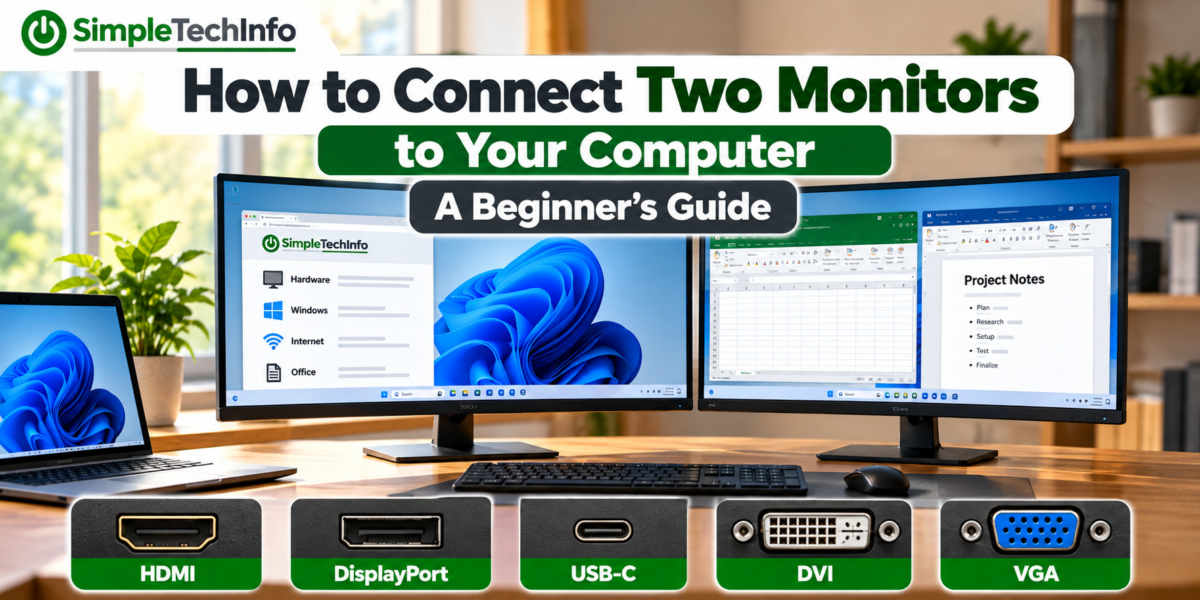
How to Connect Two Monitors to Your Computer: A Beginner’s Guide
Read more: How to Connect Two Monitors to Your Computer: A Beginner’s GuideLearn how to connect two monitors to a Windows 11 PC or laptop, choose the right cables, extend your desktop, and fix common dual-monitor problems.
-
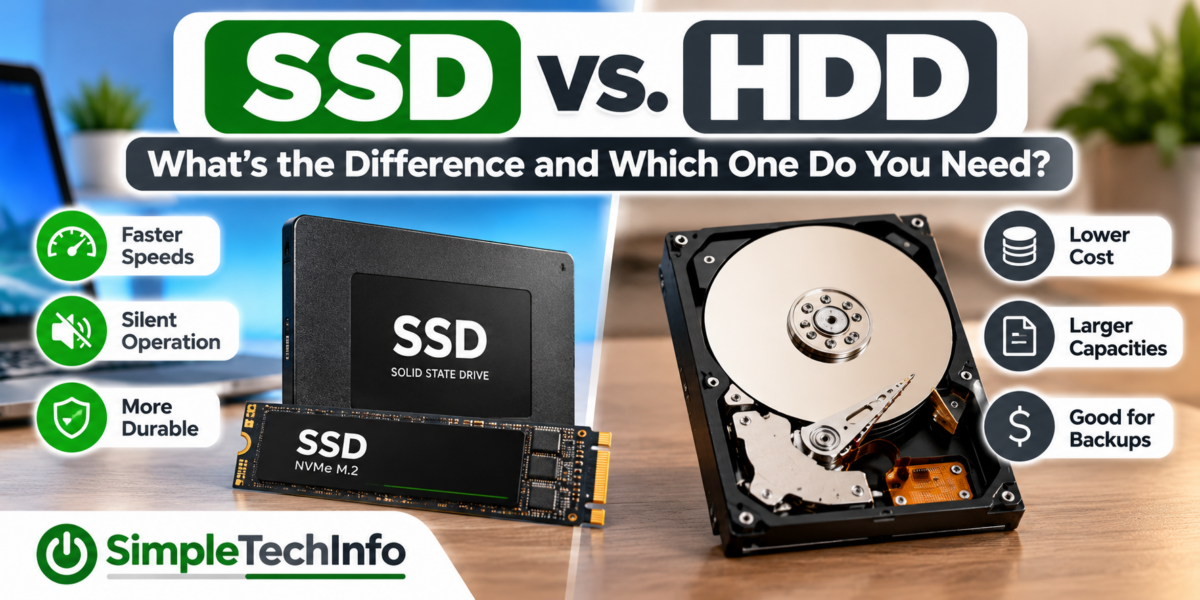
SSD vs. HDD: What’s the Difference and Which One Do You Need?
Read more: SSD vs. HDD: What’s the Difference and Which One Do You Need?Learn the difference between SSD and HDD storage, including speed, cost, capacity, reliability, and which type of drive is best for your computer.
-
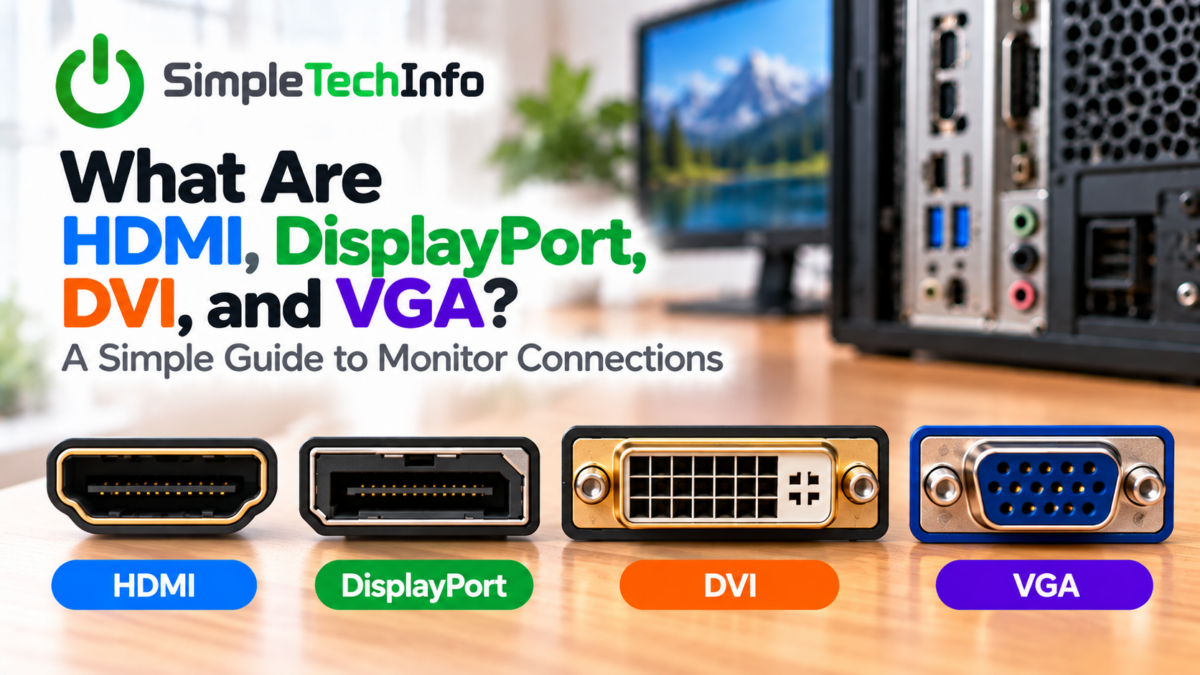
What Are HDMI, DisplayPort, DVI, and VGA? A Simple Guide to Monitor Connections
Read more: What Are HDMI, DisplayPort, DVI, and VGA? A Simple Guide to Monitor ConnectionsIf you’ve ever looked at the back of a computer or monitor and wondered what all the different ports are for, you’re not alone. HDMI, DisplayPort, DVI, and VGA are different types of video connections used to send an image from your computer to a monitor, television, or other display. Some can also carry audio,…
-
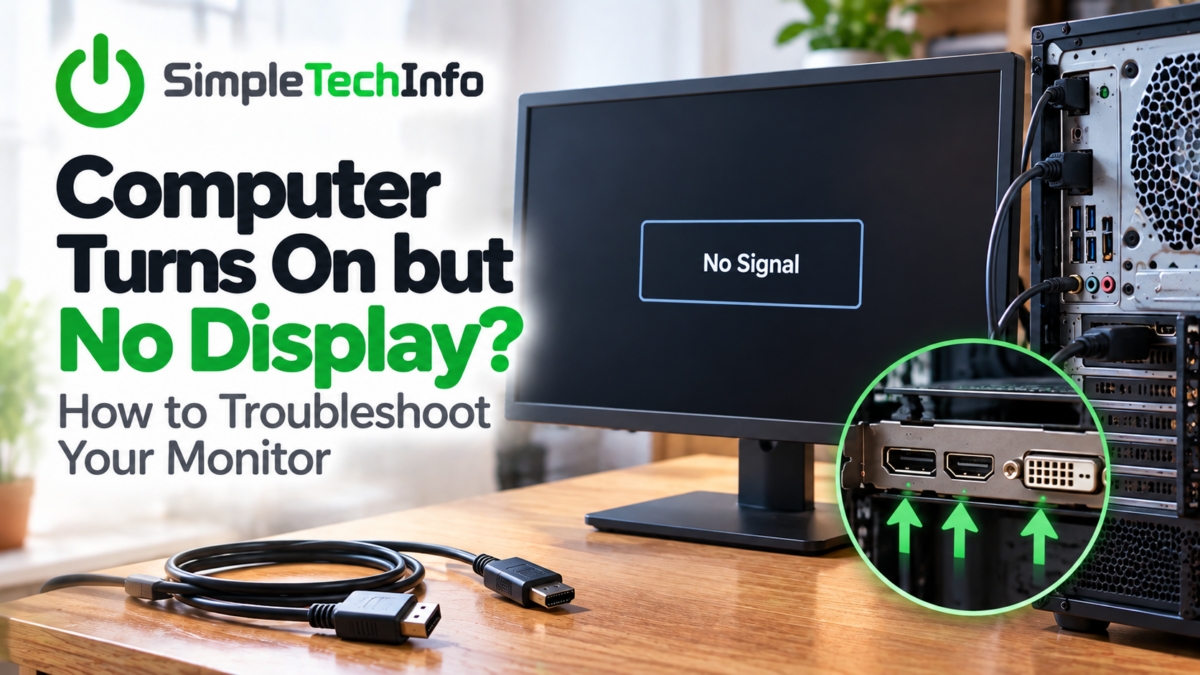
Computer Turns On but No Display? How to Troubleshoot Your Monitor
Read more: Computer Turns On but No Display? How to Troubleshoot Your MonitorWhat to look for when your screen is not working
-
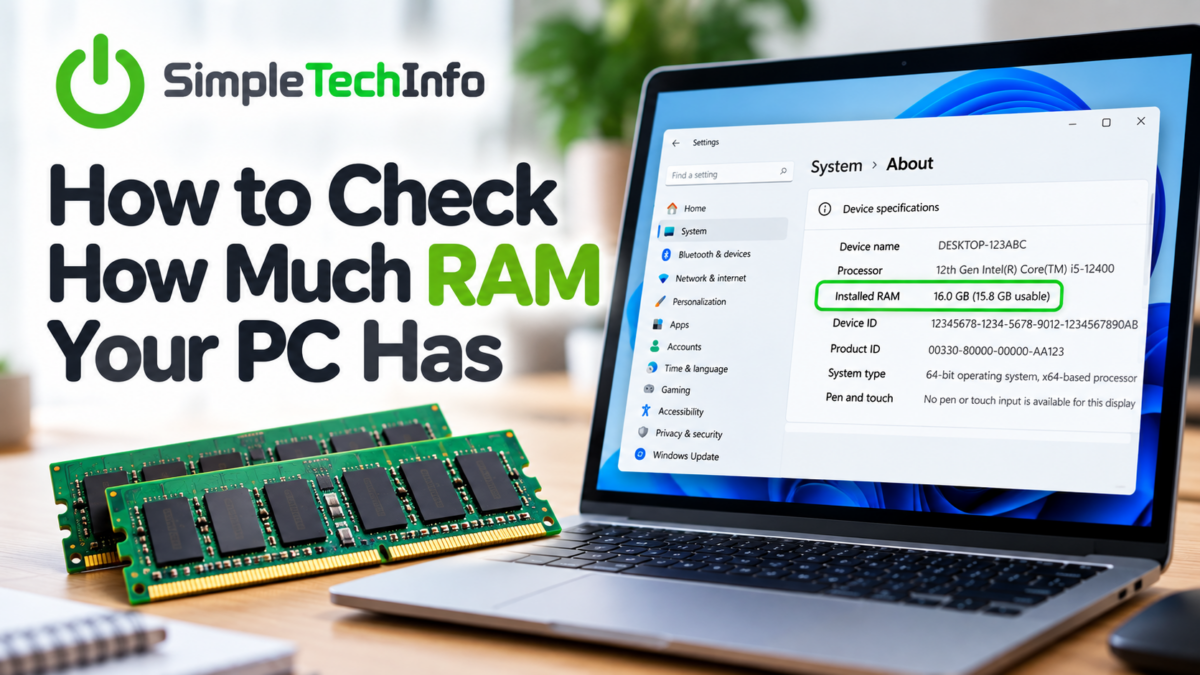
How to Check How Much RAM Your PC Has
Read more: How to Check How Much RAM Your PC HasWondering how much RAM your Windows PC has? Whether you’re trying to figure out why your computer is running slowly or checking whether your PC can handle a new program, finding your RAM is quick and easy. Windows gives you several ways to check. Here are the easiest methods. What Is RAM? RAM, or Random…