

Tag: Word
-
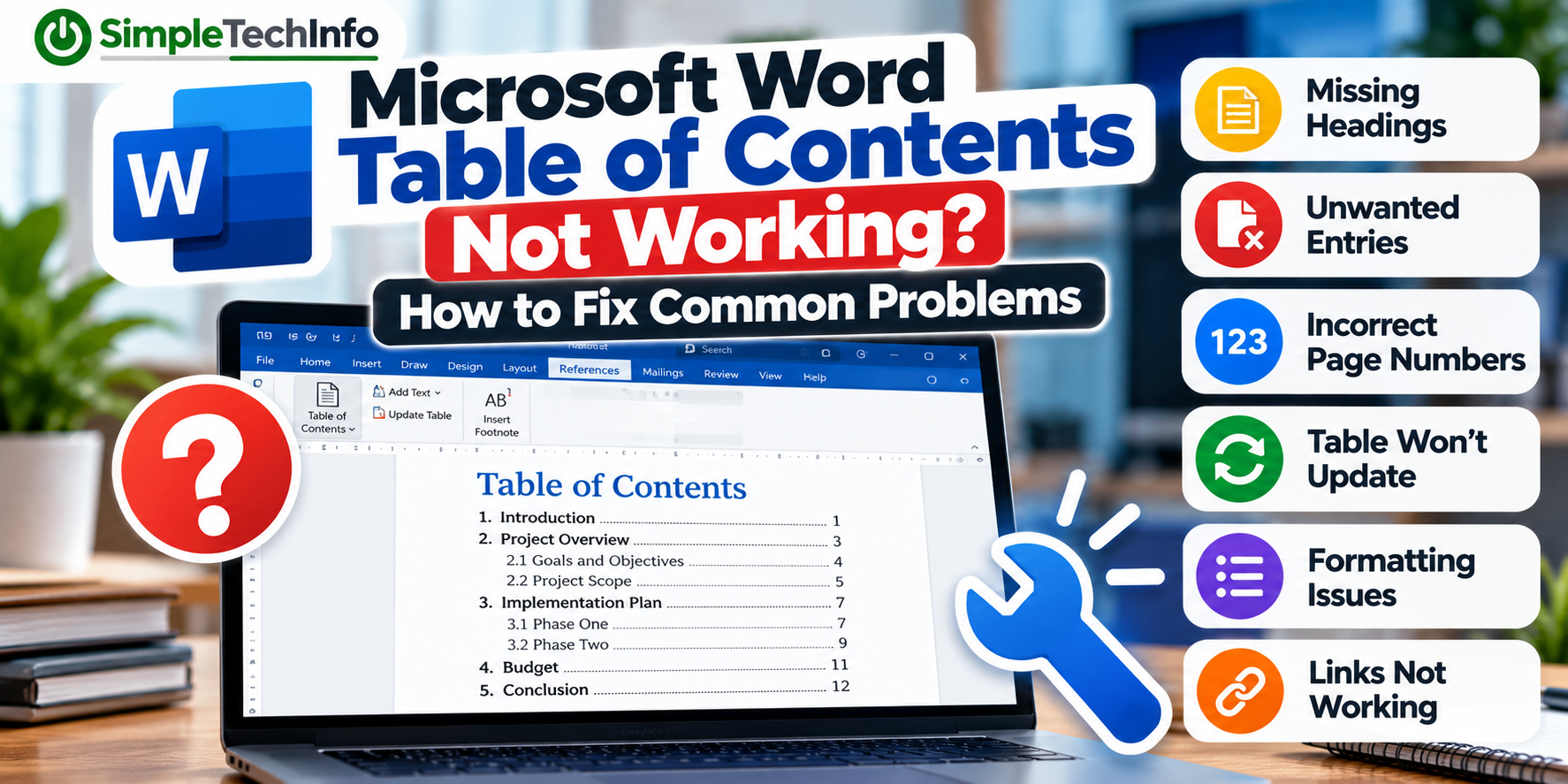
Microsoft Word Table of Contents Not Working? How to Fix Common Problems
Read more: Microsoft Word Table of Contents Not Working? How to Fix Common ProblemsThis guide covers some of the most common Microsoft Word table of contents problems and how to fix them.
-
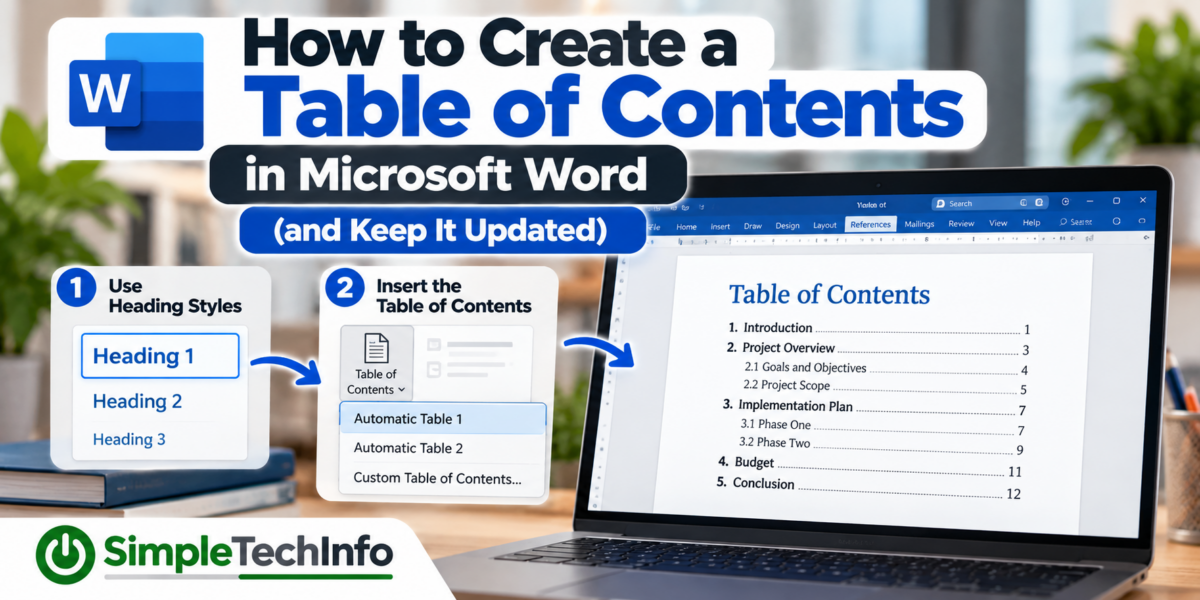
How to Create a Table of Contents in Microsoft Word (and Keep It Updated)
Read more: How to Create a Table of Contents in Microsoft Word (and Keep It Updated)Microsoft Word can automatically create a table of contents based on the headings in your document. Even better, Word can update the table when you add new sections or when page numbers change.
-
How to Fix Common Header and Footer Problems
Read more: How to Fix Common Header and Footer ProblemsUsing headers and footers in your Word document will make it stand out and look professional. Sometimes you’ll run into problems with formatting so here are a few tips to help you correct any issues you may have.
-
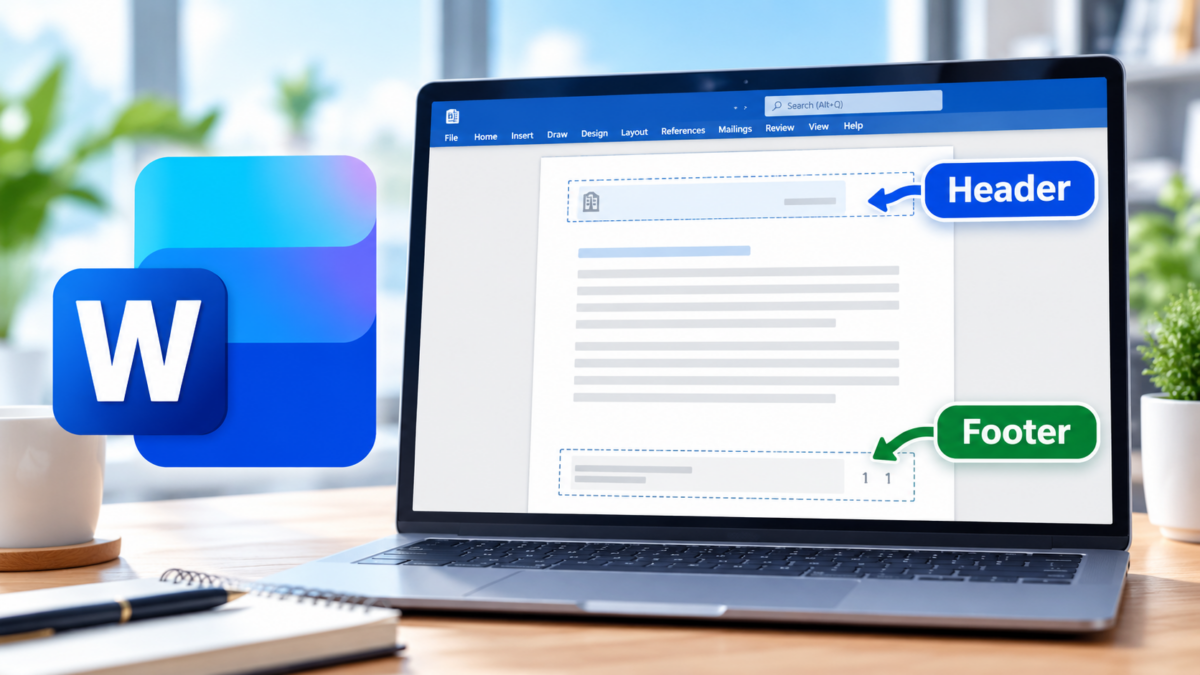
How to Add and Format Headers and Footers in Microsoft Word
Read more: How to Add and Format Headers and Footers in Microsoft WordHeaders and footers are an easy way to make a Microsoft Word document look more polished and professional. They can be used to display information that should appear on every page, such as: For business documents such as reports, proposals, procedures, meeting packets, and policy manuals, headers and footers also make longer documents easier to…